
Facilities & Lab Use
Our Lab Setup
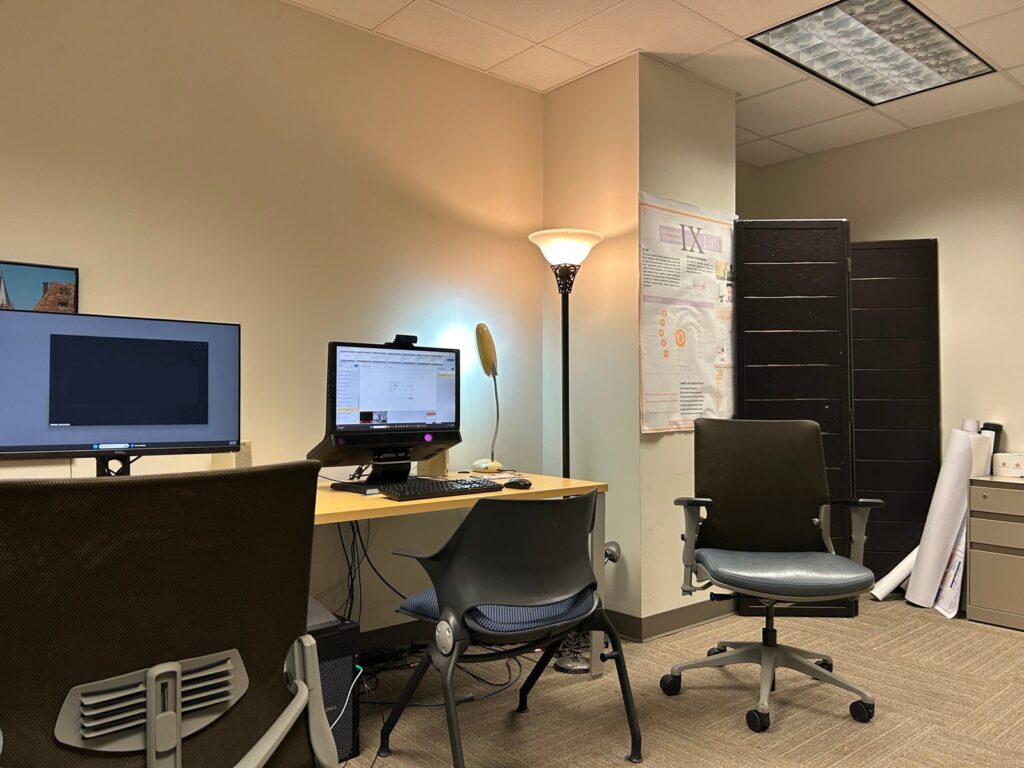
IX Lab consists of an Observation Room and a Testing Room separated by a one-way mirror. The setup supports controlled usability testing and biometric research.
• Observation Room
• Testing Room
• Two-room configuration
Equipment & Software
Our lab supports usability testing, eye-tracking research, and biometric data collection using the following equipment and software.
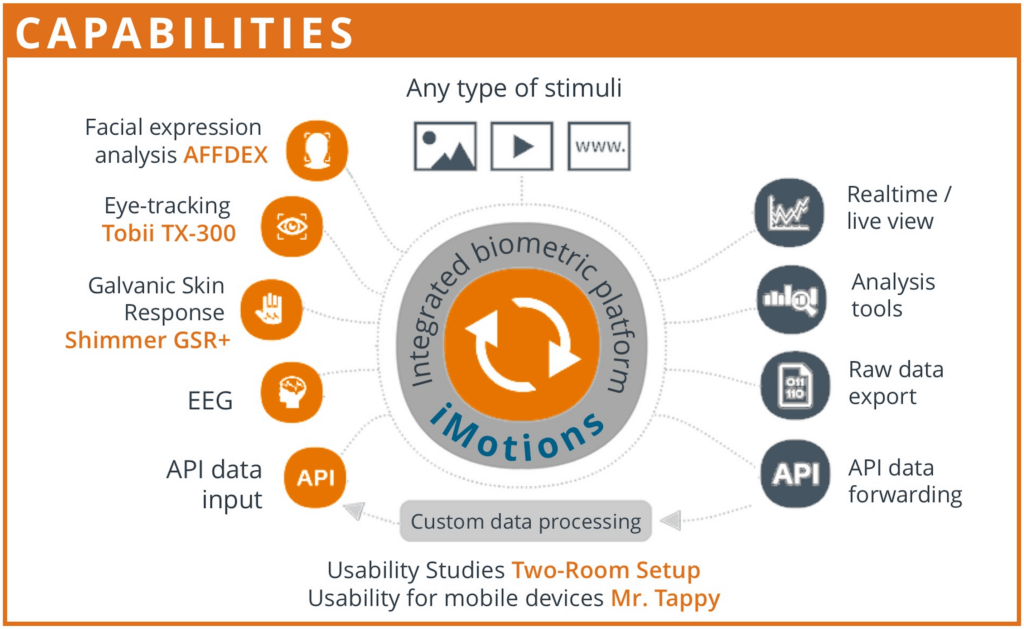
Equipment
Software
Before You Use the Lab
- You must reserve the lab before use.
- Check lab calendar for availability.
- Contact Dr. Jacek Gwizdka for questions.
- No food and drink (except closed water bottles).
- Do not remove equipment or handouts.
- Do not install software without permission.
- Turn off monitor and eye-tracker after use.
- Do not shut down the main testing room computer.
- On first login, change display scaling from 150% to 100%.
- If you change settings, restore them after use.
- Do not modify system settings permanently.
- Take your data with you after collection.
- Lab computers do not guarantee data storage.
- Temporary storage is allowed during the semester.
- Follow proper naming format for iMotions studies:
<course_number>.<semester>.<student_group_number>